What it does
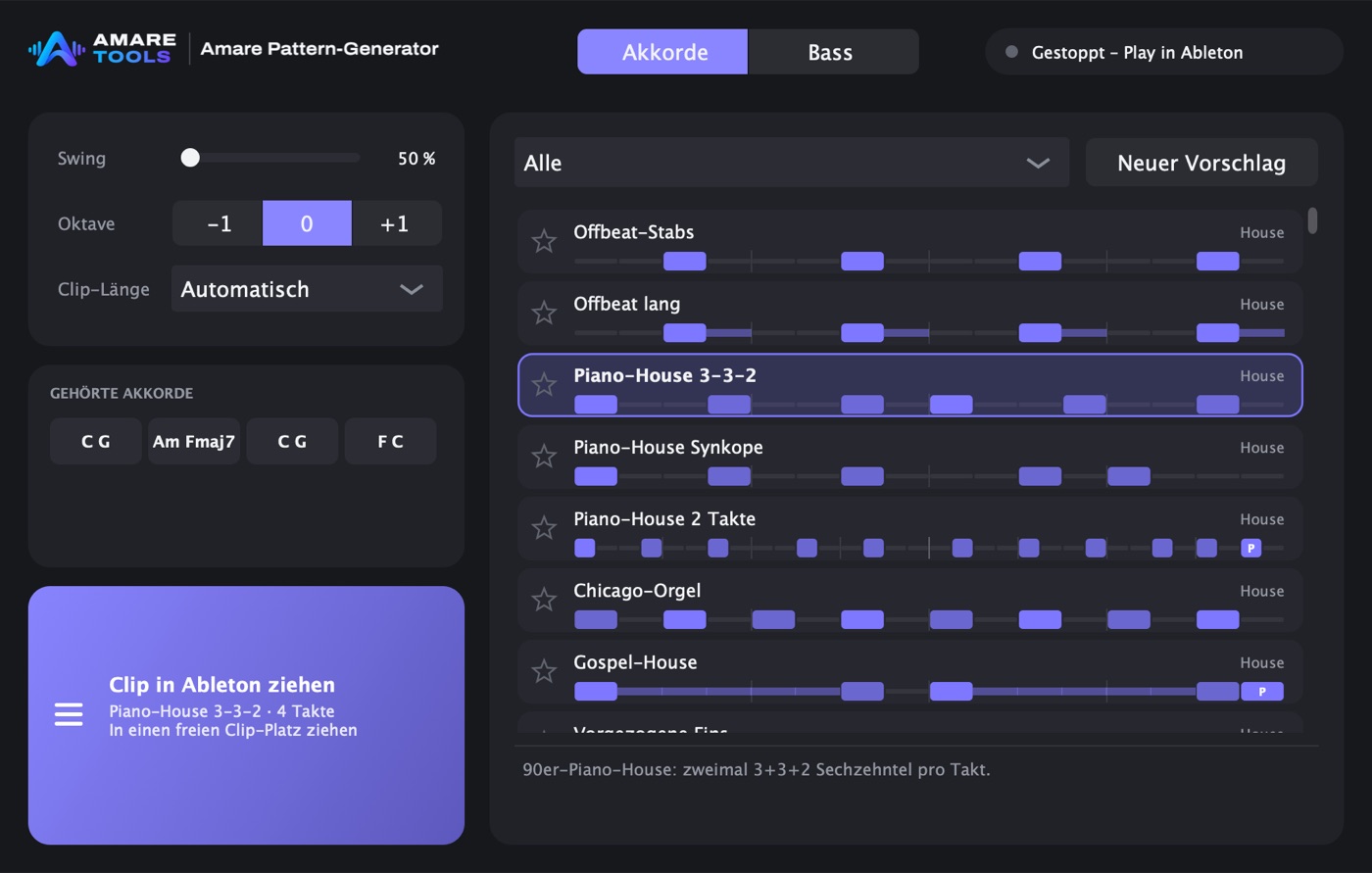
316 patterns, more than 35 genres
170 chord rhythms and 146 bass lines: House, Deep House, UK and Speed Garage, Detroit, Disco, Amapiano, Afro House, Breakbeat and more.
It follows your chords
It reads the chord clip on the track, finds each chord and its bass note, and moves every hit along when the chord changes.
Swing, octave, own presets
Set swing and octave, change single steps, and keep the result as your own preset.
Through any instrument
As a Max for Live MIDI effect it writes a clip right below yours, so Live plays it in time through whatever instrument follows.


How it works
-
Chords
Put a chord clip on a track.
-
Pick
Choose a pattern, swing and octave.
-
Hear
Live plays it in time through your instrument.
-
Keep
Keep the clip or drag it to the arrangement.
Good questions
Do I need Live Suite?
The device is a Max for Live effect, so it needs Live Suite or Max for Live. The Mac app works without.
Is it also in KeyFinder?
Yes. KeyFinder’s page for progressions and patterns uses the same patterns.
What does it cost, and when?
Price and date are not set yet. The tools are in development. Join the waiting list to hear both first.